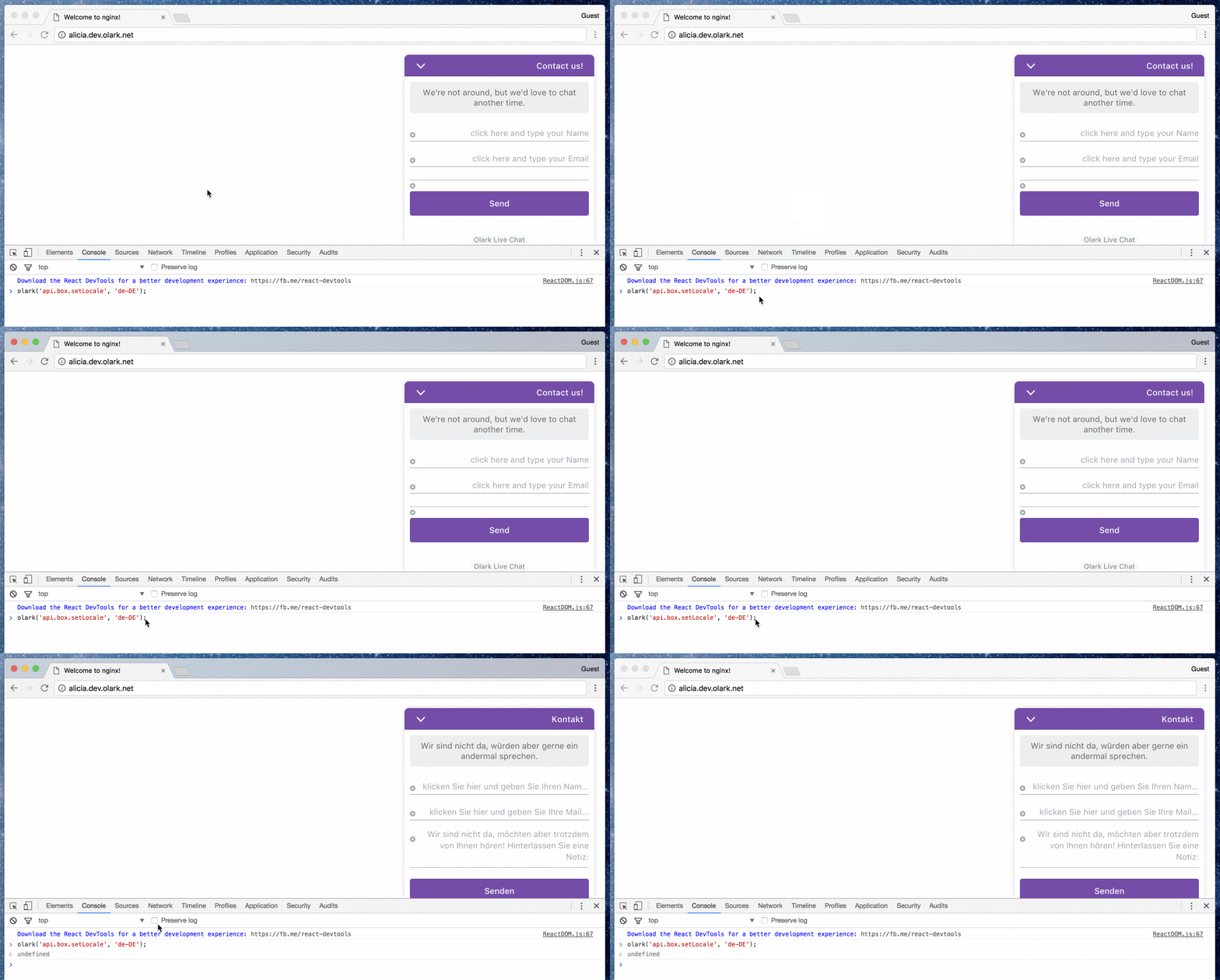
You can change the language of the chatbox per page by using the following configuration call. If you
want to change the language of the chatbox site wide you can do so from your Text & Forms settings. We support the following languages.
olark.configure("system.localization", "en-US"); // English (United States)
olark.configure("system.localization", "de-DE"); // Deutsch (Deutschland)
olark.configure("system.localization", "es-ES"); // Spanish (Spain)
olark.configure("system.localization", "fr-FR"); // Français (France)
olark.configure("system.localization", "it-IT"); // Italian (Italy)
olark.configure("system.localization", "nl-NL"); // Dutch (Netherlands)
olark.configure("system.localization", "pt-BR"); // Portuguese (Brazilian)
olark.configure("system.localization", "ru-RU"); // Russian (Russia)
olark.configure("system.localization", "sv-SE"); // Swedish (Sweden)
olark.configure("system.localization", "tr-TR"); // Turkish (Turkey)
olark.configure("system.localization", "zh-CN"); // Simplified Chinese (China)
Note that by using the system.localization call our default localization strings will be used. If
you’d like more granular control over chatbox strings check out our article on Changing the chatbox language. Here are all the strings you can configure:
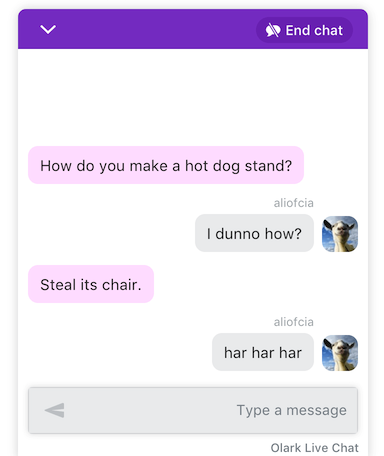
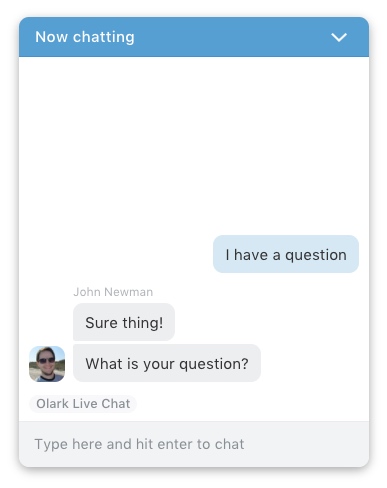
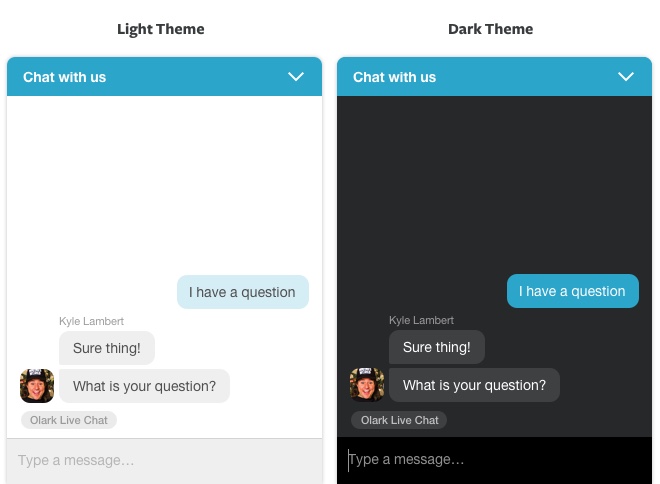
/* online chatbox strings */
olark.configure("locale.welcome_title", "Chat with us");
olark.configure("locale.chatting_title", "Chat with us");
olark.configure("locale.welcome_message", "Have a question? We'd love to help.");
olark.configure("locale.chat_input_text", "Type a message...");
olark.configure("locale.ended_chat_message", "Have a question? This conversation has ended. You can start a new chat by sending another message if you like. Thanks for stopping by to chat with us. Come back again anytime.");
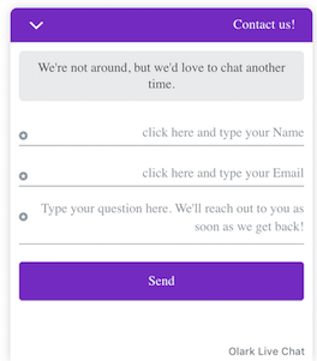
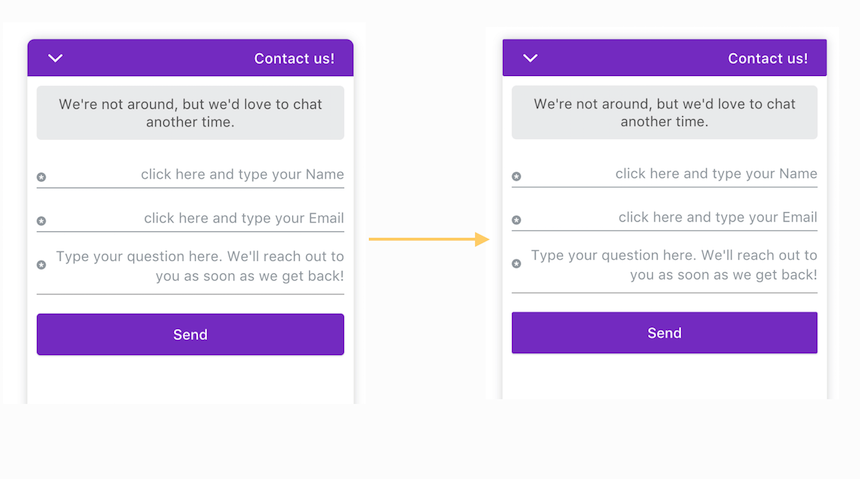
/* offline chatbox strings */
olark.configure("locale.unavailable_title", "Need help?");
olark.configure("locale.away_message", "We're not around but please leave us a message");
olark.configure("locale.name_input_text", "Click here and type your name");
olark.configure("locale.email_input_text", "Click here and type your email");
olark.configure("locale.phone_input_text", "Click here and type your phone number");
olark.configure("locale.offline_note_message", "Have a question about Olark live chat or a Support Query? To speed up the process please give us as much info about your issue as you can. ");
olark.configure("locale.send_button_text", "Send");
olark.configure("locale.offline_note_thankyou_text", "Thank you for your message. We will get back to you as soon as we can.");
olark.configure("locale.offline_note_error_text", "You must complete all fields and specify a valid email address");
/* pre-chat survey strings */
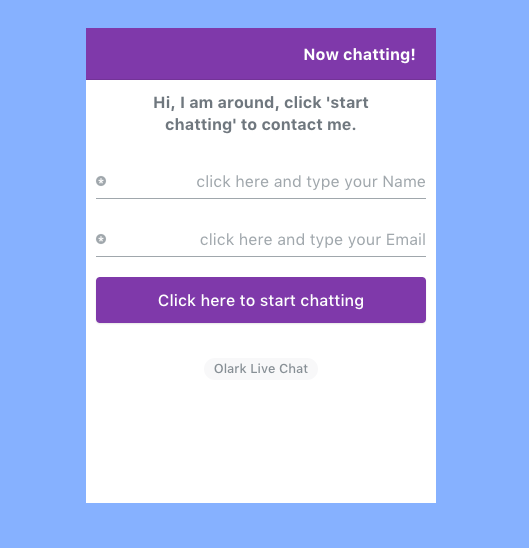
olark.configure("locale.name_input_text", "<Click here> and type your Name");
olark.configure("locale.email_input_text", "<Click here> and type your Email");
olark.configure("locale.phone_input_text", "<Click here> and type your Phone");
olark.configure("locale.introduction_error_text", "Please leave a name and email address so we can contact you in case we get disconnected");
olark.configure("locale.introduction_messages", "Welcome, just fill out some brief information and click Start Chat to talk to us");
olark.configure("locale.introduction_submit_button_text", "Start chat");
/* offline message form strings*/
olark.configure("locale.offline_survey_submit_button_text", "Send");
olark.configure("locale.offline_survey_next_button_text", "Next");
olark.configure("locale.offline_survey_thank_you_message", "Thanks for your message! We will have a member of our team contact you shortly.");
olark.configure("locale.offline_survey_welcome_message", "We're not around but we still want to hear from you! Leave us a note:");
olark.configure("locale.offline_survey_name_label", "Name");
olark.configure("locale.offline_survey_name_placeholder", "Enter your name...");
olark.configure("locale.offline_survey_email_label", "Email");
olark.configure("locale.offline_survey_email_placeholder", "Enter your email...");
olark.configure("locale.offline_survey_phone_label", "Phone");
olark.configure("locale.offline_survey_phone_placeholder", "Enter your phone number...");
olark.configure("locale.offline_survey_website_label", "Website");
olark.configure("locale.offline_survey_website_placeholder", "Enter your website...");
olark.configure("locale.offline_required_error_message", "Please complete all required fields");
olark.configure("locale.offline_email_validation_message", "Please enter a valid email address");
olark.configure("locale.offline_phone_validation_message", "Please enter a valid phone number");
olark.configure("locale.offline_website_validation_message", "Please enter a valid URL");
/* greeter strings */
olark.configure("WelcomeAssist.welcome_messages", ["¡Bienvenidos a nuestro sitio!"]);
/* chat ratings strings */
olark.configure('locale.feedback_survey_question_chat_text', 'How satisfied were you with this chat?');
olark.configure('locale.feedback_survey_question_operator_intelligence_text', 'How knowledgeable was the chat agent?');
olark.configure('locale.feedback_survey_question_operator_speed_text', 'How responsive was the chat agent?');
olark.configure('locale.feedback_survey_question_operator_attitude_text', 'How friendly was the chat agent?');
olark.configure('locale.feedback_survey_question_1_text', 'Question 1 of 5');
olark.configure('locale.feedback_survey_question_2_text', 'Question 2 of 5');
olark.configure('locale.feedback_survey_question_3_text', 'Question 3 of 5');
olark.configure('locale.feedback_survey_question_4_text', 'Question 4 of 5');
olark.configure('locale.feedback_survey_question_5_text', 'Question 5 of 5');
olark.configure('locale.feedback_survey_question_chat_low', 'Not at all satisfied');
olark.configure('locale.feedback_survey_question_chat_high', 'Extremely satisfied');
olark.configure('locale.feedback_survey_question_operator_intelligence_low', 'Not at all knowledgeable');
olark.configure('locale.feedback_survey_question_operator_intelligence_high', 'Extremely knowledgeable');
olark.configure('locale.feedback_survey_question_operator_speed_low', 'Not at all responsive');
olark.configure('locale.feedback_survey_question_operator_speed_high', 'Extremely responsive');
olark.configure('locale.feedback_survey_question_operator_attitude_low', 'Not at all friendly');
olark.configure('locale.feedback_survey_question_operator_attitude_high', 'Extremely friendly');
olark.configure('locale.feedback_survey_question_additional_feedback_text', 'Additional feedback.');
olark.configure('locale.feedback_survey_button_next', 'Next');
olark.configure('locale.feedback_survey_button_submitting', 'Submitting');
olark.configure('locale.feedback_survey_button_finish', 'Finish');
olark.configure('locale.feedback_survey_end_message', 'Thank you for your feedback');
olark.configure('locale.feedback_survey_submission_error_message', 'There was an error submitting your answer, please try again.');
olark.configure('locale.feedback_survey_begin_button_text', 'Rate chat');
olark.configure('locale.feedback_survey_complete_button_text', 'Done');
olark.configure('locale.feedback_survey_cancel_text', 'Cancel');
olark.configure('locale.restart_chat_online_button_text', 'Start Chatting');
olark.configure('locale.restart_chat_offline_button_text', 'Email');
/* send transcript strings */
olark.configure('locale.send_transcript_title_text', 'Send transcript');
olark.configure('locale.send_transcript_begin_button_text', 'Send transcript');
olark.configure('locale.send_transcript_complete_button_text', 'Transcript sent!');
olark.configure('locale.send_transcript_error_text', 'There was an error sending this transcript');
olark.configure('locale.send_transcript_cancel_text', 'Cancel');
olark.configure('locale.send_transcript_placeholder', 'Click here and enter your email');
With calls like olark.configure('locale.welcome_title', 'Foo'), the string provided by that call will
always take highest priority.